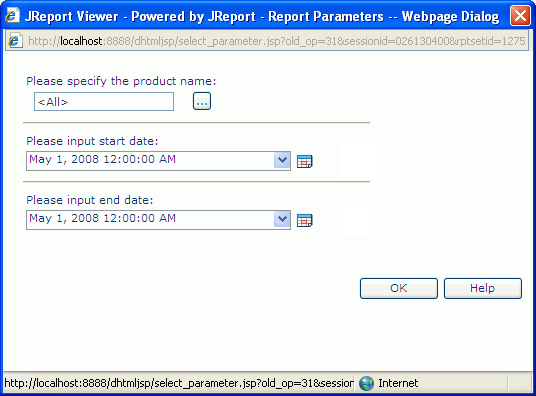
This dialog appears when you click Finish in the report wizard to run a page report with parameters or click Menu > Report > Change Parameters if the current report has parameters. It helps you to input parameter values for a report. See the dialog.
You may specify parameter values in these ways:
 if it is available to specify multiple values in the Enter Values dialog.
 if it is available to specify a date and time value using either calendar or expression in the Calendar dialog.
OK
Accepts the parameter values for further processing.
Help
Displays this help document.